
Amazon & Flipkart Image Guidelines 2026: The Complete Seller Checklist
Most sellers find out their images are non-compliant the hard way — a listing goes live, then quietly loses ranking, or a batch upload gets rejected the night before a sale event. Marketplace image rules aren’t creative guidelines; they’re technical specs enforced by automated scanners before a human ever sees the listing. This guide covers what Amazon and Flipkart actually check for in 2026, why jewellery and reflective products fail more often than any other category, and what a compliant shoot workflow looks like in practice.
How Marketplace Image Scanning Actually Works
Both platforms run uploaded images through automated quality checks at the point of submission — not a manual review. The scanner checks pixel dimensions, background color values, and file integrity in seconds. This matters because it means compliance isn’t about “looking white” to the human eye on your monitor; it’s about hitting an exact RGB value. A background lit slightly warm, or color-corrected on an uncalibrated screen, can look pure white to you and still fail the check. This is the single biggest reason experienced sellers still get rejections on catalogues they were confident about.
Amazon India — Product Image Requirements
| Requirement | Spec |
|---|---|
| Main image background | Pure white, RGB 255,255,255 — no exceptions |
| Minimum resolution | 1000 x 1000 px (longer side) to enable zoom |
| Recommended resolution | 2000 x 2000 px for sharper zoom on high-DPI mobile screens |
| File format | JPEG preferred; TIFF, PNG, GIF accepted |
| Product-to-frame ratio | Product should fill 85%+ of the frame |
| File size | Under 10MB; 1–3MB recommended for faster mobile load |
| Props, text, watermarks | Not allowed on MAIN image; allowed on secondary images only |
Amazon’s zoom feature is tied directly to resolution — anything below 1000px on the long side disables zoom entirely, and zoom-enabled listings consistently outperform non-zoom listings in click-through, because shoppers use it to check texture, stitching, and finish before buying.
Flipkart — Product Image Requirements
| Requirement | Spec |
|---|---|
| Main image background | Pure white |
| Minimum resolution | 500 x 500 px |
| Recommended resolution | 1000 x 1000 px or higher |
| Aspect ratio | 1:1 (square) strongly preferred |
| Image count | Up to 8 per listing |
| Borders/logos/watermarks | Not permitted on primary image |
Flipkart’s app interface crops non-square images into a square thumbnail grid on category and search pages. A 4:3 or 16:9 image that looked fine in the listing editor often gets awkwardly cropped in this grid — cutting off a ring’s band or a pendant’s chain — so exporting a true square crop from the original shoot avoids this instead of relying on the platform’s auto-crop.
The Real Reasons Images Get Rejected
1. “White enough” isn’t white. The most common failure. Warm tungsten or slightly yellow-balanced studio lighting shifts a background from 255,255,255 to something like 250,248,240 — invisible on an uncalibrated laptop screen, but caught instantly by the scanner. This is corrected at the color-grading stage with a calibrated monitor and a proper white-balance reference card during the shoot, not by eyeballing it afterward.
2. Reflections read as “additional content.” Polished metal, cut stones, and glossy packaging bounce back the studio environment — softbox edges, ceiling, even the photographer’s silhouette — onto the product surface. Automated scanners can flag this as an extra object or watermark in the frame. This is why jewellery needs diffused, controlled lighting (light tents, polarizing filters, or bounce cards) rather than direct studio strobes.
3. Inconsistent crop ratio across a catalogue. When product size within the frame shifts from SKU to SKU — one ring filling 90% of the frame, the next filling 60% — nothing technically fails, but the catalogue looks amateur next to competitors, and Amazon’s own merchandising algorithm tends to favor visually consistent catalogues in category carousels.
4. Upscaled rather than genuinely high-resolution files. Stretching a 600px phone photo to 1000px technically passes the pixel-count check but produces visible softness under zoom — shoppers notice this even if the platform doesn’t reject it outright.
5. Secondary images treated as an afterthought. The MAIN image gets scrutiny; secondary images (angles, macro detail, in-use, size reference, packaging) get compressed exports or reused generic shots. Listings with 6–8 well-shot secondary images consistently hold attention longer than listings with 2–3, even though the platform’s minimum requirement is one.
Why Jewellery Is the Hardest Category to Get Right
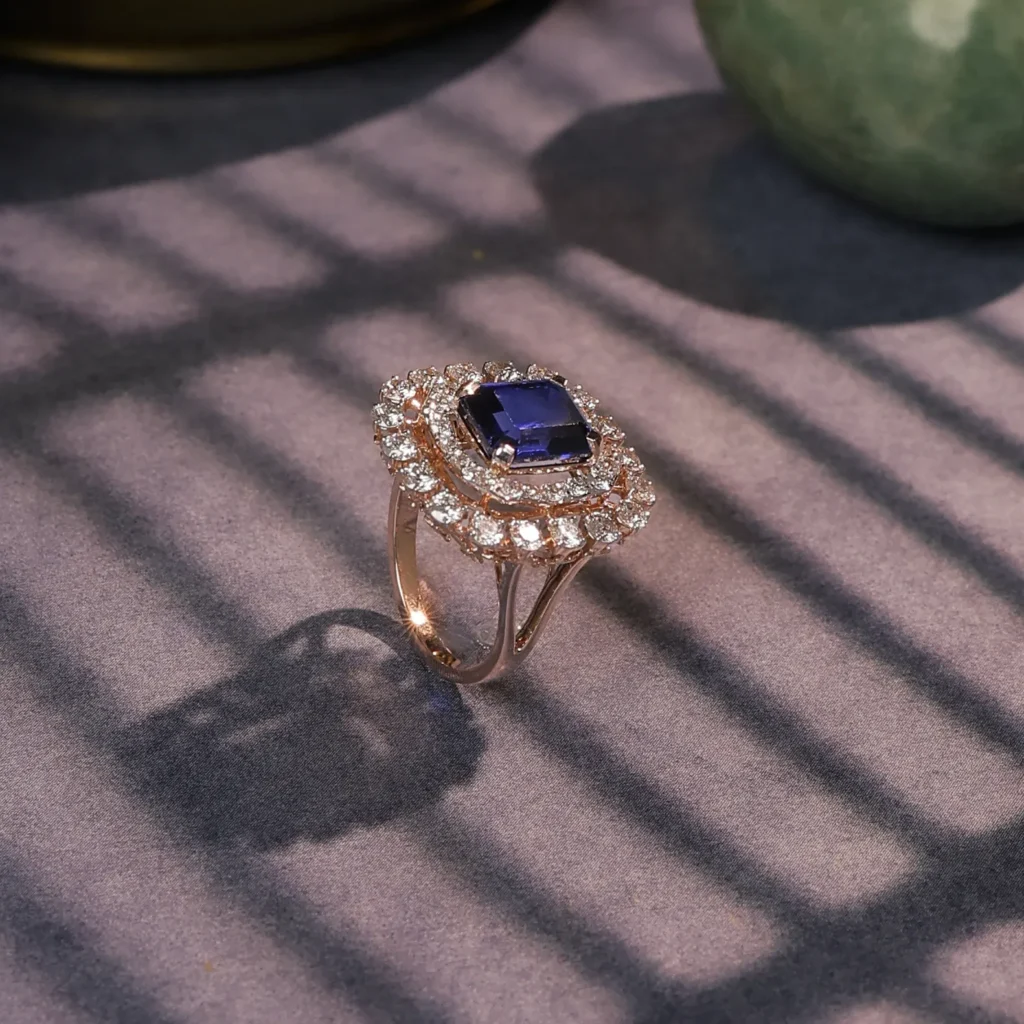
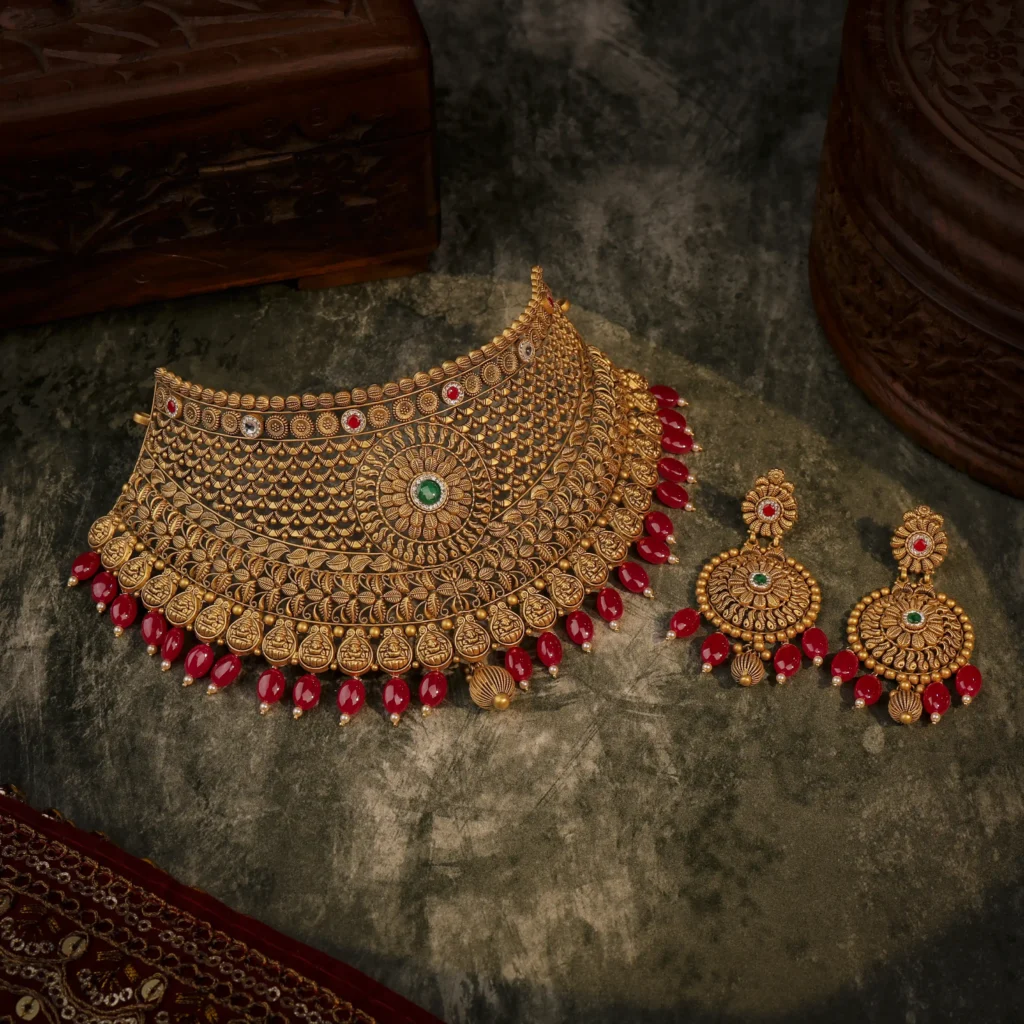
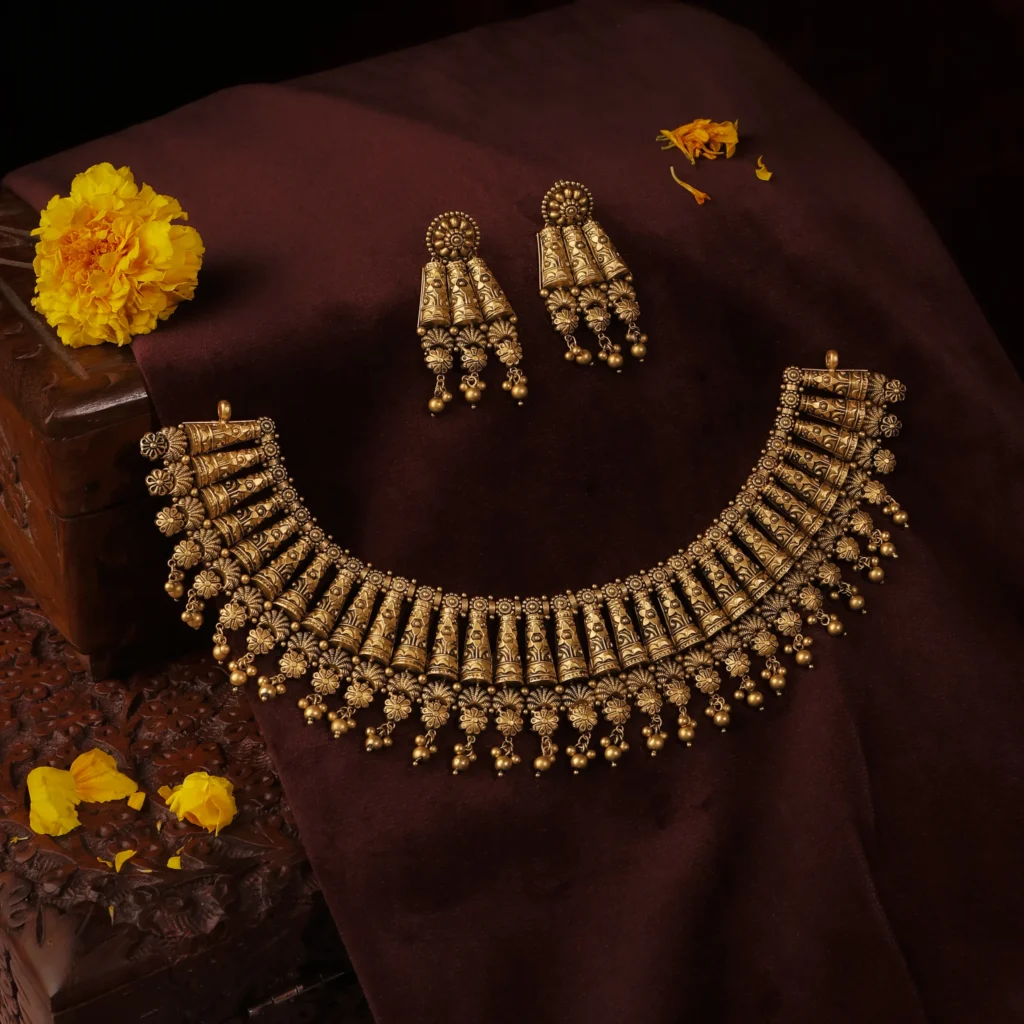
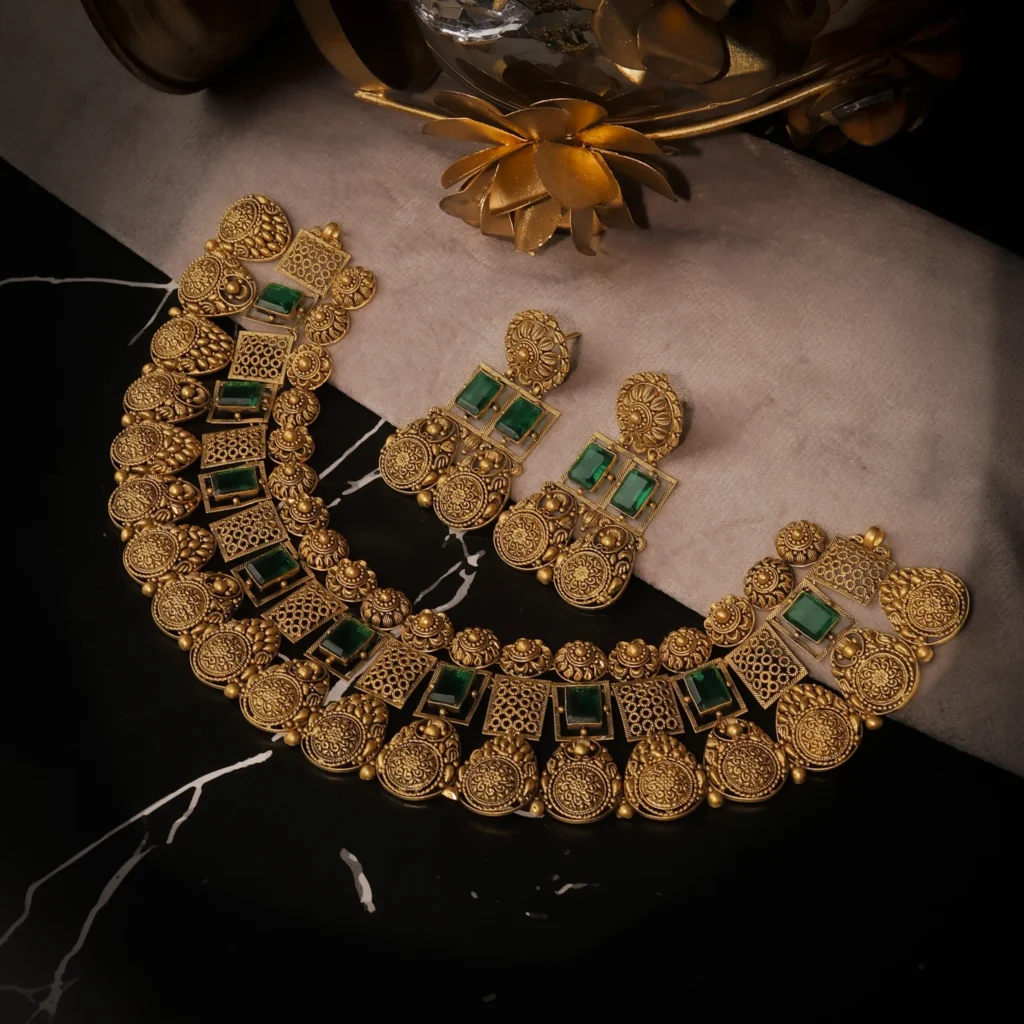
Gold, silver, diamonds, and gemstones combine every failure mode above at once: reflective surfaces that pick up environment light, faceted stones that scatter light unpredictably, and metal tones (rose gold, oxidized silver, antique finish) that are especially prone to white-balance drift against a “white” background.
A shoot setup that works fine for a matte product — a single softbox, a plain sheet — will almost always produce a background with a visible color cast once you zoom into a jewellery image at 100%. Getting a true 255,255,255 background behind a diamond ring typically needs a light tent or diffusion dome to eliminate hard reflections, a color-calibrated monitor for grading, and a white balance reference shot at the start of every session so correction is consistent across the whole catalogue rather than done piece by piece.
A Compliant Shoot Workflow, Step by Step
- Reference shot first. Shoot a grey card or white balance target under the exact lighting setup before touching the product, so every image in the session corrects against the same baseline.
- Diffused lighting for reflective products. Light tent or diffusion panels to eliminate hard reflections on metal and stones.
- Shoot at native high resolution. Capture well above the 1000px minimum so downscaling — not upscaling — is the only edit needed.
- Consistent framing rig. Fixed camera distance and product placement markers so every SKU fills the same proportion of frame.
- Color-correct on a calibrated monitor. Push background to true 255,255,255 rather than “looks white” on an uncalibrated screen.
- Export a square (1:1) master alongside the standard crop, so Flipkart doesn’t auto-crop the image at upload.
- QA pass against both platforms’ checklists before upload, not after a rejection.
Getting It Right the First Time
Reshooting a rejected catalogue costs more than the shoot itself — it costs the days a listing sits idle or under-optimized. At FRT Studios, our ecommerce product photography process is built around this exact workflow: calibrated white-balance references, diffused lighting for reflective products, and consistent framing across the full catalogue, so files are upload-ready without back-and-forth edits. For jewellery specifically, our jewellery photoshoot setup is built around the light-tent and macro-lighting control that gold, silver, and stone-set pieces need to pass marketplace checks cleanly.
FAQs
What is the minimum image resolution Amazon requires?
1000 x 1000 pixels on the longest side is the minimum, and it's also the threshold needed to enable Amazon's zoom feature — below it, zoom is disabled on the listing.
Does Flipkart require a pure white background for all images?
Only the primary (first) image needs a pure white background. Secondary images can show the product in use, on a model, or in lifestyle context.
Can I use the same photo set for both Amazon and Flipkart?
Mostly, since the core specs overlap closely. The main adjustment is exporting a true square (1:1) crop for Flipkart, since its app grid crops non-square images automatically and can cut off part of the product.
Why do my jewellery images keep failing the white background check even though they look white?
This is almost always a white-balance issue rather than a visible one — warm studio lighting or an uncalibrated monitor can shift a background to an off-white RGB value that looks fine on screen but fails the platform's automated scan.
Do I need different images for gold, silver, and diamond products?
The compliance requirements are identical, but the lighting setup usually isn't — oxidized silver, bright gold, and faceted diamonds each reflect and scatter light differently, so the diffusion and white-balance correction typically needs to be dialed in per finish rather than reused across all three.
Written by FRT Studios, a jewellery and ecommerce product photography studio in Chandni Chowk, Delhi. Get in touch for marketplace-ready catalogue shoots.